Mentions & notifications
Chat keeps track of what you haven't seen and nudges you when someone needs you.
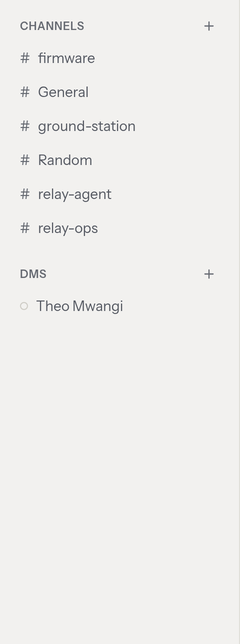
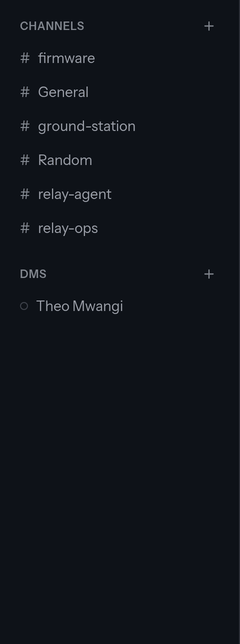
Unread badges
Each channel or DM in your sidebar shows an unread badge when there are new messages since you last looked, and its name is bolded. Opening the conversation marks it read and clears the badge. A New divider in the conversation marks where your unread messages start.
(The unread count is for the main conversation; thread replies don't add to it — but a mention inside a thread still gets your attention, below.)
Mention badges
When someone @mentions you, the channel gets a distinct mention badge —
a small count that stands out from the ordinary unread badge, so a message
addressed to you never gets lost in a busy channel. This includes mentions
inside threads. Opening the message clears it, and a mention you follow from
a link is briefly highlighted so you can spot it.
Email for mentions
If you're away when you're mentioned, chat emails you a link to the message a short time later — so you don't miss it while you're not looking. You won't get an email if you're active in chat at the time, if you mentioned yourself, or if the message is deleted before it sends. (Email requires the server to have mail configured; ask whoever runs your ogma.)
The bell — one inbox across all apps
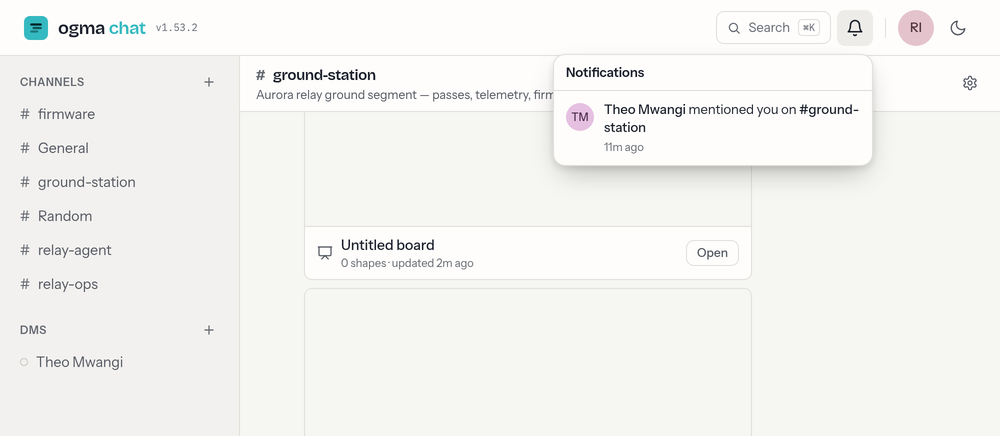
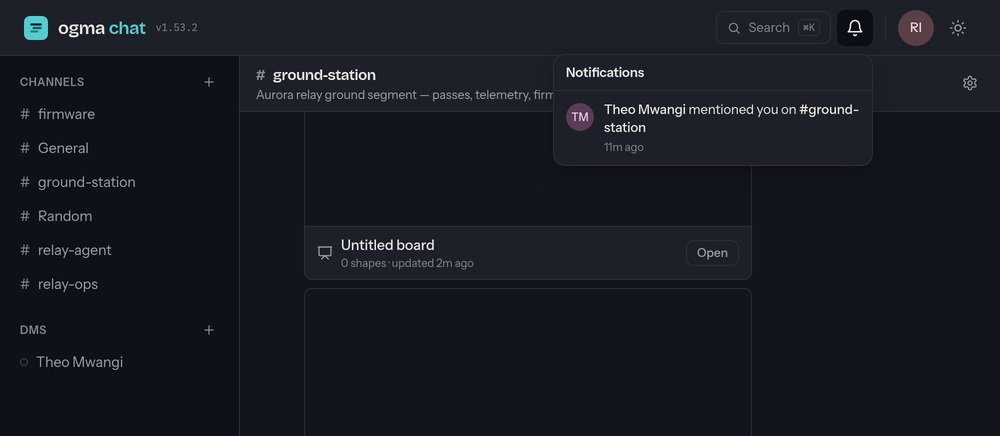
The bell in the top-right is a notification inbox shared by every ogma
app. From chat it collects added to a channel — someone brought you into a
channel you weren't in. Alongside that you'll see whatever the other apps have
for you (being added to a project, an @mention on a card…), each item
linking straight into the app it came from.
Open the bell to see recent items; clicking one marks it read and takes you there, and Mark all read clears the count. Repeated activity coalesces into a single entry, and the badge refreshes about once a minute — being added to a channel updates it immediately.
Seeing everything in one place
Your workspace Home (the signed-in landing page that ties the ogma apps together) also gathers your recent mentions and DMs from chat alongside your work from the other apps — a single "what's on me" view. Open it from the workspace, or the app switcher in your avatar menu.