Channels
A channel is a room for a topic or a team. There are two kinds:
- Public — anyone in your organization can find it, read it, and join.
- Private — visible only to its members; others can't see that it exists.
(One-to-one conversations are direct messages, covered in Direct messages.)
Browsing & joining
Choose Browse & join channels at the top of the sidebar:
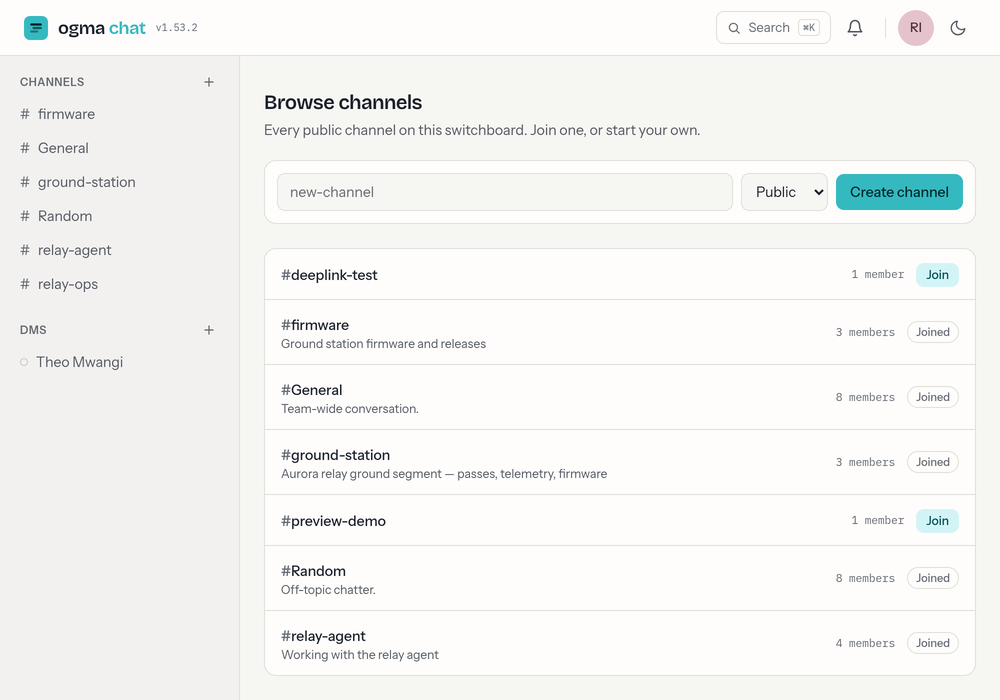
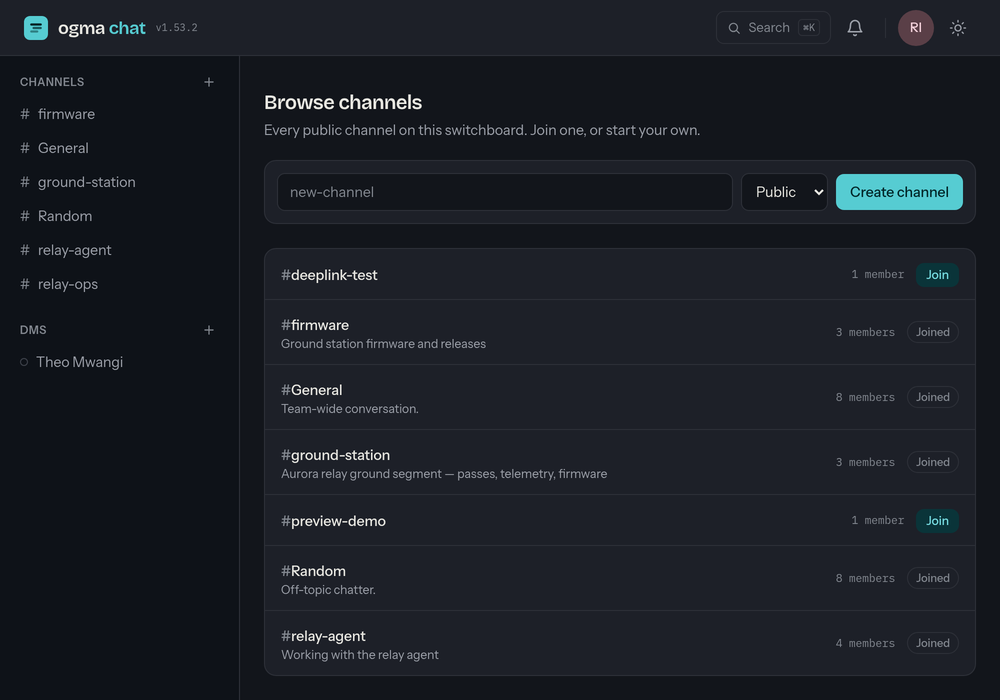
Every public channel is listed with its name, topic and member count, and either a Joined badge or a Join button.
- Joining a public channel is self-serve — click Join and it appears in your sidebar. You can also just start typing in a public channel: posting a message (or drawing on a whiteboard) joins you automatically.
- Private channels don't appear in Browse. Someone already inside has to add you — see Members & roles.
Creating a channel
Anyone can create a channel:
- Use the new channel action in the sidebar.
- Give it a name and pick Public or Private.
- Create it — you're now the channel Owner.
A few naming rules:
- Up to 80 characters. Spaces are fine.
- Leave the
#off — it's added for you when the channel is referenced. - Names are case-insensitive unique: if
Designexists,designis taken.
Topic & settings
Owners and admins can set a channel's topic and rename it from channel settings (the gear in the channel header). The topic shows in Browse and at the top of the channel. Who can change these is covered in Members & roles.
Repository notices
A channel owner can bind a workspace repository (from the ogma-repos hub) in channel settings: pushes — and pull-request activity on GitHub-connected repositories — then land in the channel as quiet notice messages from the Repos bot, with links back to the commits. Notices sit in the timeline and count toward unreads like any message. Only repositories you're a member of on the hub are offered, and binding one grants nobody any repository access.
Leaving & muting
Any member can leave a channel from its header — except the Owner, who can't leave (a channel always has exactly one owner, and transferring ownership isn't supported yet). Direct messages can't be left, and neither can a label channel (see below): you're in it because you hold a title on its board, so the way out is to give up the title there.
Any member can mute a channel instead. Muting is per-person and changes nothing about who is in the room: you stay a member, the conversation stays readable, and the push notifications, bell rows and mention emails stop. It's the honest way to get quiet somewhere you can't leave.
Label channels
A board's member labels are already groups of people — "the architects" — so a board can speak to one, and a room appears for it.
- It doesn't exist until someone speaks to it. Defining a label costs no channel; a board with fifteen labels and three conversations has three rooms.
- Membership is the label's holders, kept in step by the board — nobody joins or parts by hand. Gain the title, you're in; lose it, you're out.
- The name is the label's name, and follows it when the label is renamed. Two boards can both have "architects": these rooms make no claim on the global channel namespace, so neither blocks the other.
- Leaving is refused (drop the label, or mute). Speaking to a label does not join you to its room — the membership is the title's holders and nothing else — so a board admin can address "the architects" without becoming one.
- If the label is deleted, its room is archived, not deleted: the conversation stays readable, nothing more can be posted, and people can leave it (there is no title left to drop).
Archiving
An owner can archive a channel when it's done. An archived channel:
- becomes read-only for everyone — its history stays, but no one can post;
- still shows up in Browse, tagged archived;
- can be unarchived by the owner at any time.
Archiving is the tidy alternative to deleting — nothing is lost.