Direct messages
A direct message (DM) is a private, one-to-one conversation — just you and one other person. DMs behave like a channel for two: you write, format, mention, attach files, and reply in threads exactly the same way.
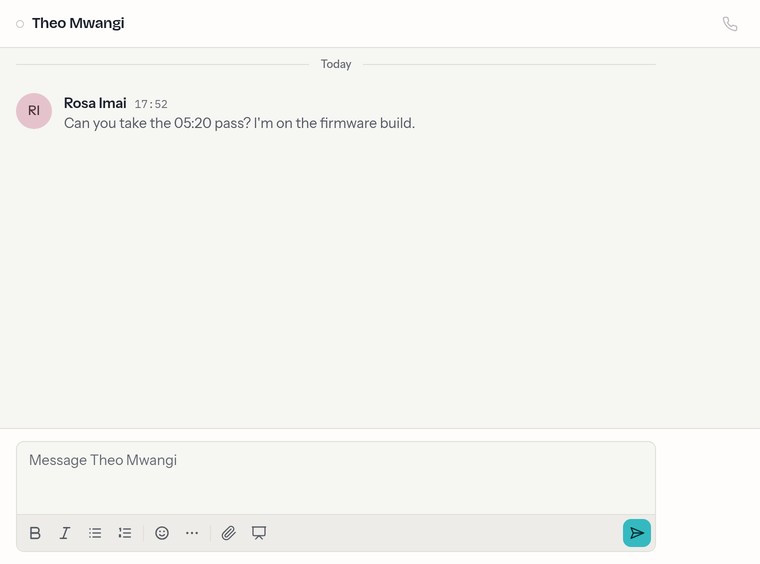
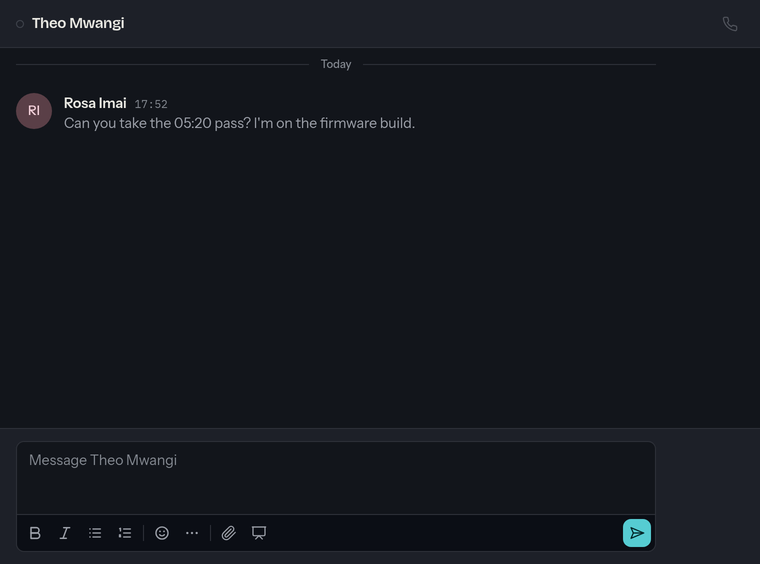
Starting a DM
- Choose DMs + at the top of the sidebar.
- Start typing a name or email — the picker searches everyone in your organization.
- Pick a person, and the conversation opens.
If you already have a DM with that person, you're taken back to it rather than starting a new one — there's only ever one DM per pair of people. (You can't DM yourself, and DMs are strictly one-to-one — there are no group DMs.)
You can also land in a DM straight from Projects: a board's header shows who else is viewing it — click someone's avatar there and your DM with them opens here.
Presence
A small dot next to someone shows whether they're online — active in chat within roughly the last minute. You'll see it beside their name in the sidebar and at the top of the DM.
What's different from channels
DMs are deliberately lightweight — there's no topic, settings, renaming, archiving, or leaving. To stop seeing a DM's unreads, just read it; it stays in your sidebar as part of your history.