Messages & threads
Sending
Click into the composer at the bottom of a channel or DM and type. Press
Enter for a new line and ⌘/Ctrl + Enter to send. Messages are written
in Markdown and can be up to 10,000 characters; see
Writing & mentions for formatting, @mentions,
#channel references, and emoji.
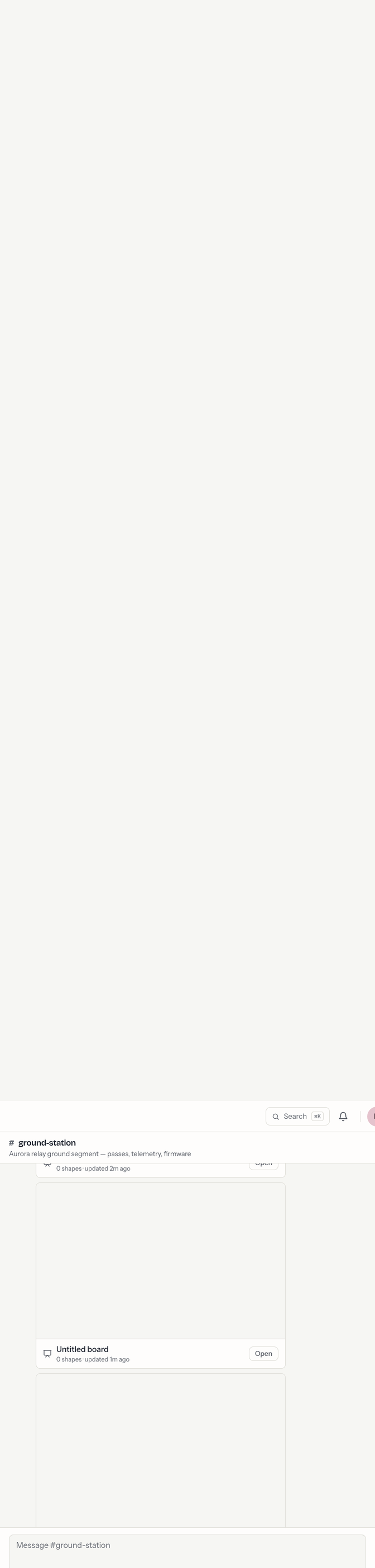
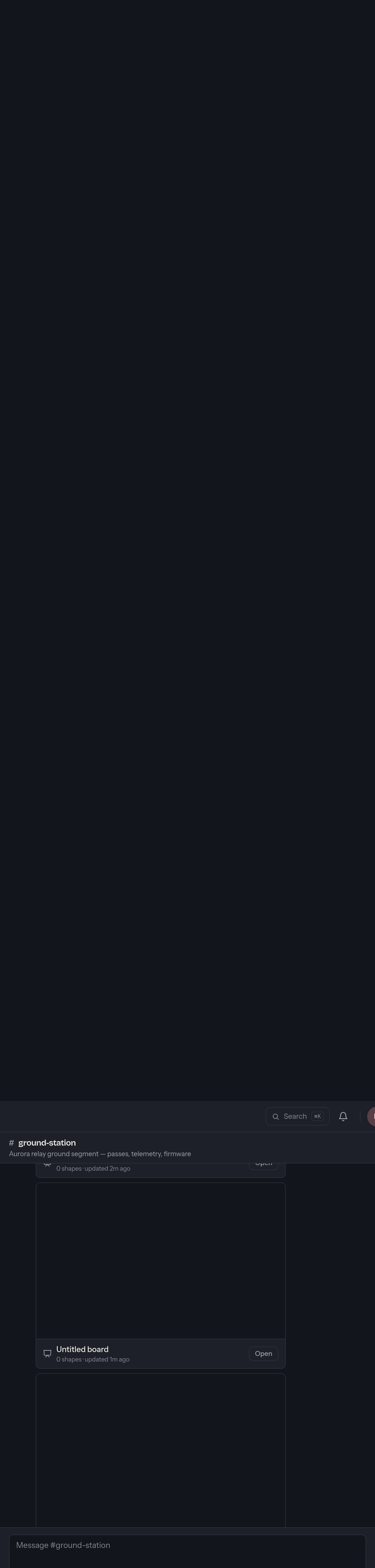
Consecutive messages from the same person within a few minutes are grouped under one name and avatar to keep things readable, with day dividers between dates and a New line marking where your unread messages begin. Message times and day boundaries follow your device's timezone — hover a timestamp for the full date.
Editing
Hover a message you sent and choose Edit (or the pencil). You can edit your own messages any time — there's no time limit. An edited message carries a small (edited) note so others know it changed.
Deleting
Hover a message and choose Delete. You can always delete your own messages; channel owners and admins can also delete anyone's (for moderation — see Members & roles). A deleted message leaves a quiet "message removed" placeholder in its place, and any files attached to it are removed too.
Threads
Keep a side conversation out of the main flow by replying in a thread.
- Hover a message and choose Reply in thread, or click its replies indicator if it already has some.
- A thread rail opens beside the conversation, showing the original message, all replies, and its own composer. The main channel stays visible.
<img class="shot-light" src="/img/help/chat-thread-light.webp" alt="The thread rail: a header reading Thread, the original message, a "2 replies" divider, the replies, and a Reply composer at the bottom."> <img class="shot-dark" src="/img/help/chat-thread-dark.webp" alt="The thread rail: a header reading Thread, the original message, a "2 replies" divider, the replies, and a Reply composer at the bottom.">
- A message with replies shows a reply count and the time of the last reply, so you can see active threads at a glance.
- Close the rail with the ✕ in its header. Resize it by dragging its left edge — the divider lights up as you hover it (arrow keys work when it's focused; Shift for bigger steps), and the width you pick is remembered on this browser.
Threads share a channel's permissions: if you can post in the channel, you can reply in its threads.