ogma chat — User Guide
ogma chat is a simple, fast team chat app. You talk in channels —
public or private rooms — and in direct messages with one other person.
Messages are written in Markdown, you can @mention people and reference
#channels, attach files, reply in threads, and sketch together on
whiteboards — and everything updates live for everyone in the room.
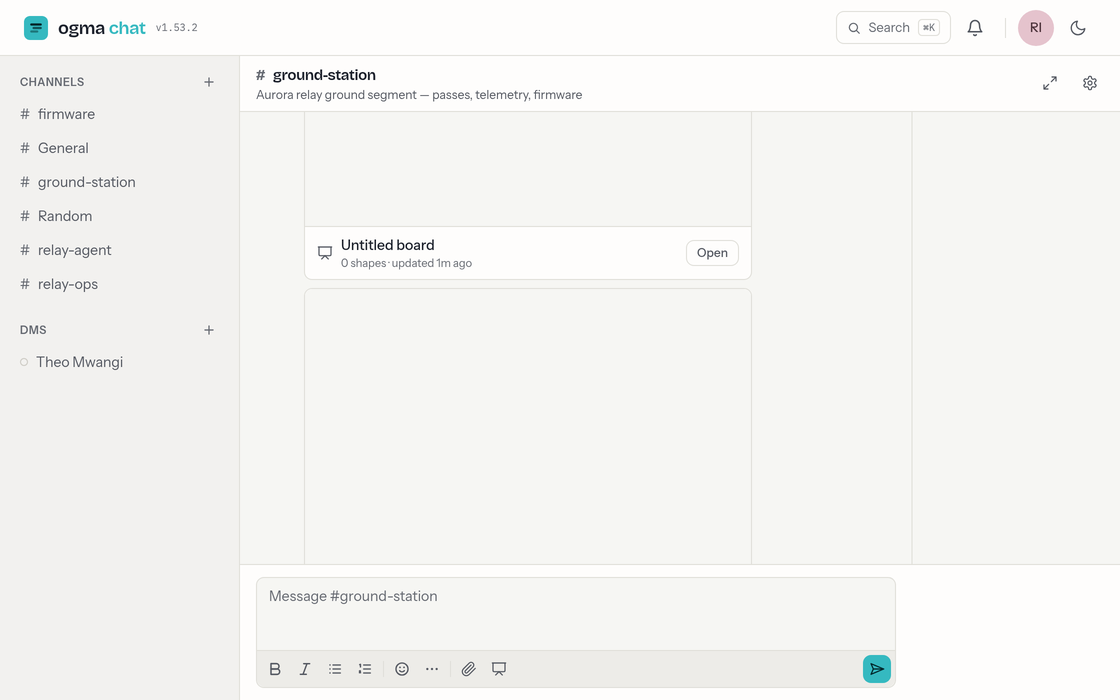
This guide is for people using ogma chat day to day. Account settings — your display name, theme, and sign-in — live on the shared account service; see Your account.
Contents
- Getting started — signing in and finding your way around
- Channels — browsing, joining, creating, public vs private, archiving
- Messages & threads — sending, editing, deleting, and replying in threads
- Writing & mentions — the composer, formatting,
@people,#channels,@/files, shortcuts - Direct messages — one-to-one conversations and presence
- Files & attachments — sharing files, and what gets refused
- Whiteboards — drawing and diagramming together
- Agent channels — talking to an agent, asides, the status strip, slash commands
- Mentions & notifications — unreads, mention badges, and email
- Members & roles — who can do what in a channel
- Search — finding channels and messages
- Your account — profile, theme, and signing out
A few things worth knowing up front
- You don't sign up — an administrator creates your account. You sign in with the email address they used; there's no password (see Getting started).
- Anyone can create a channel and invite others, or start a direct message with anyone in your organization.
- Roles are per channel. You might own one channel and be a plain member of another. See Members & roles.
- Public channels are open. Anyone can read and join them; private channels and DMs are visible only to their members.
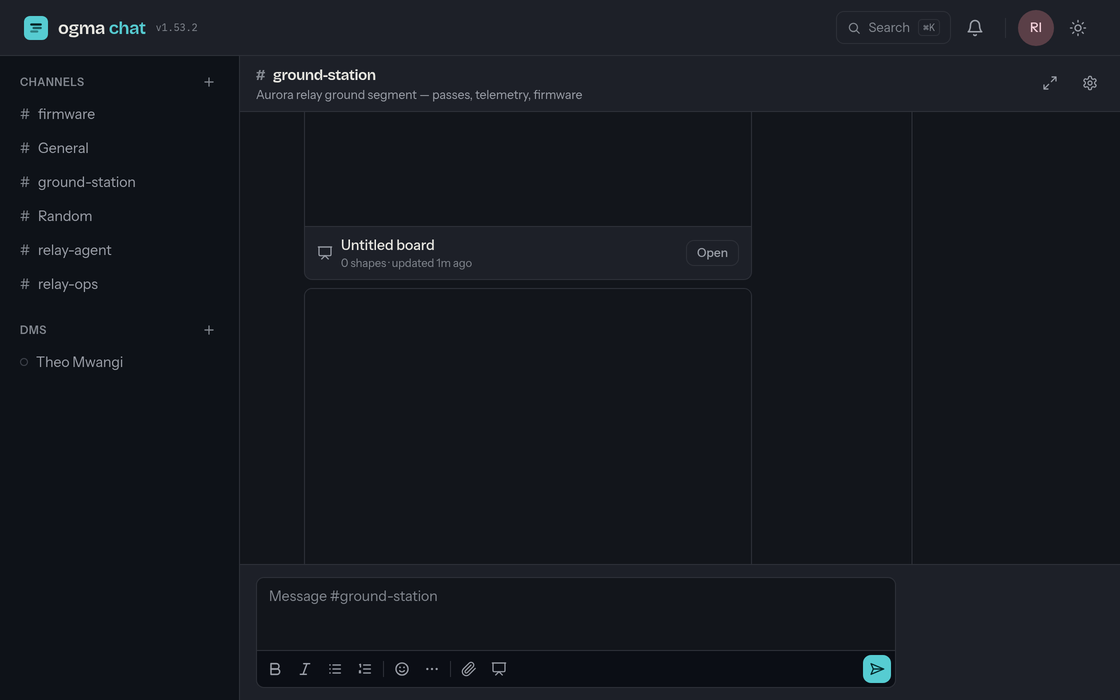
- Light or dark — toggle any time with the sun/moon button in the top-right.
- Automating with an LLM or agent?
/llms.txtis a single machine-friendly page with the chat API reference (channels, messages, threads, auth).