Your account
Your account — display name, theme preference, and sign-in — lives on the shared account service, not in chat itself. Open the avatar menu in the top-right and choose Profile to manage it there; when you're done, head back to chat (the session is shared).
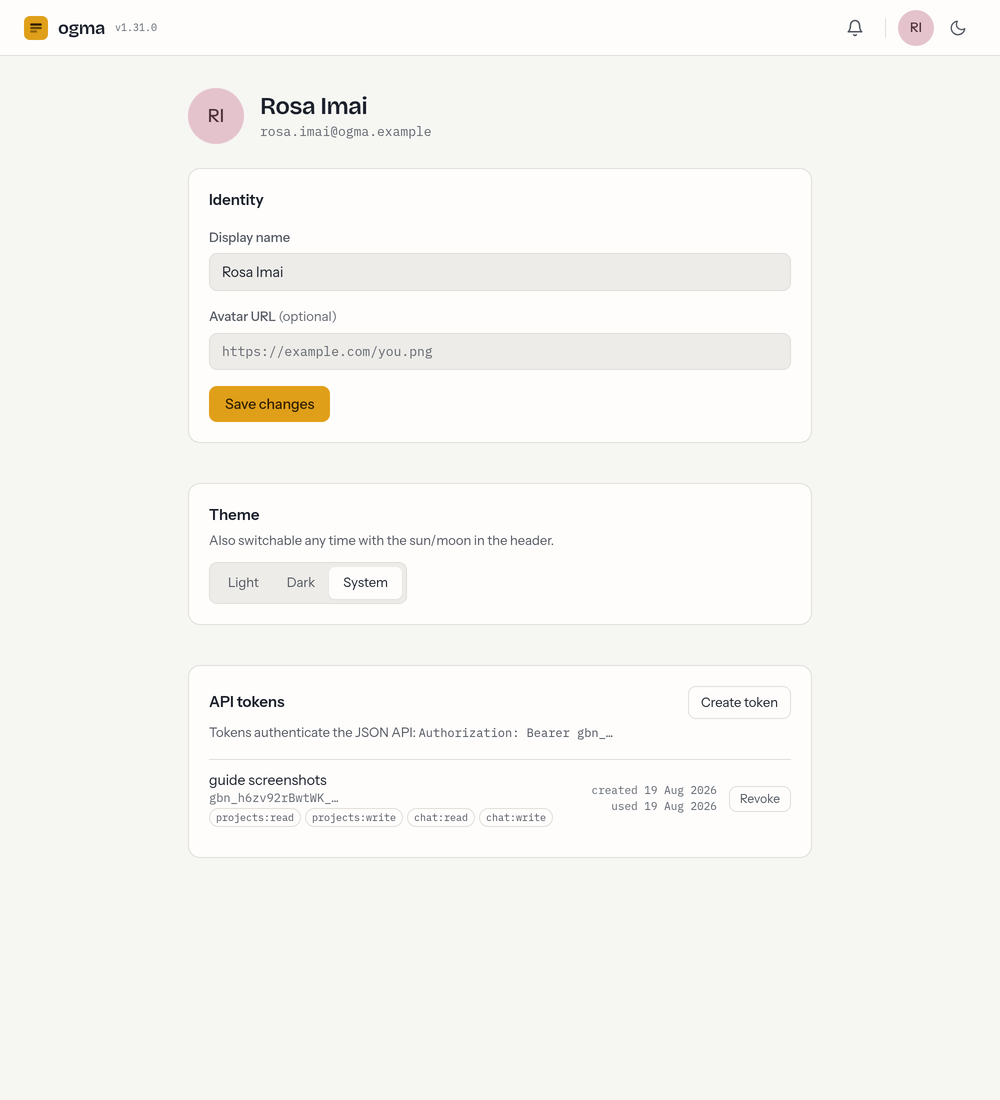
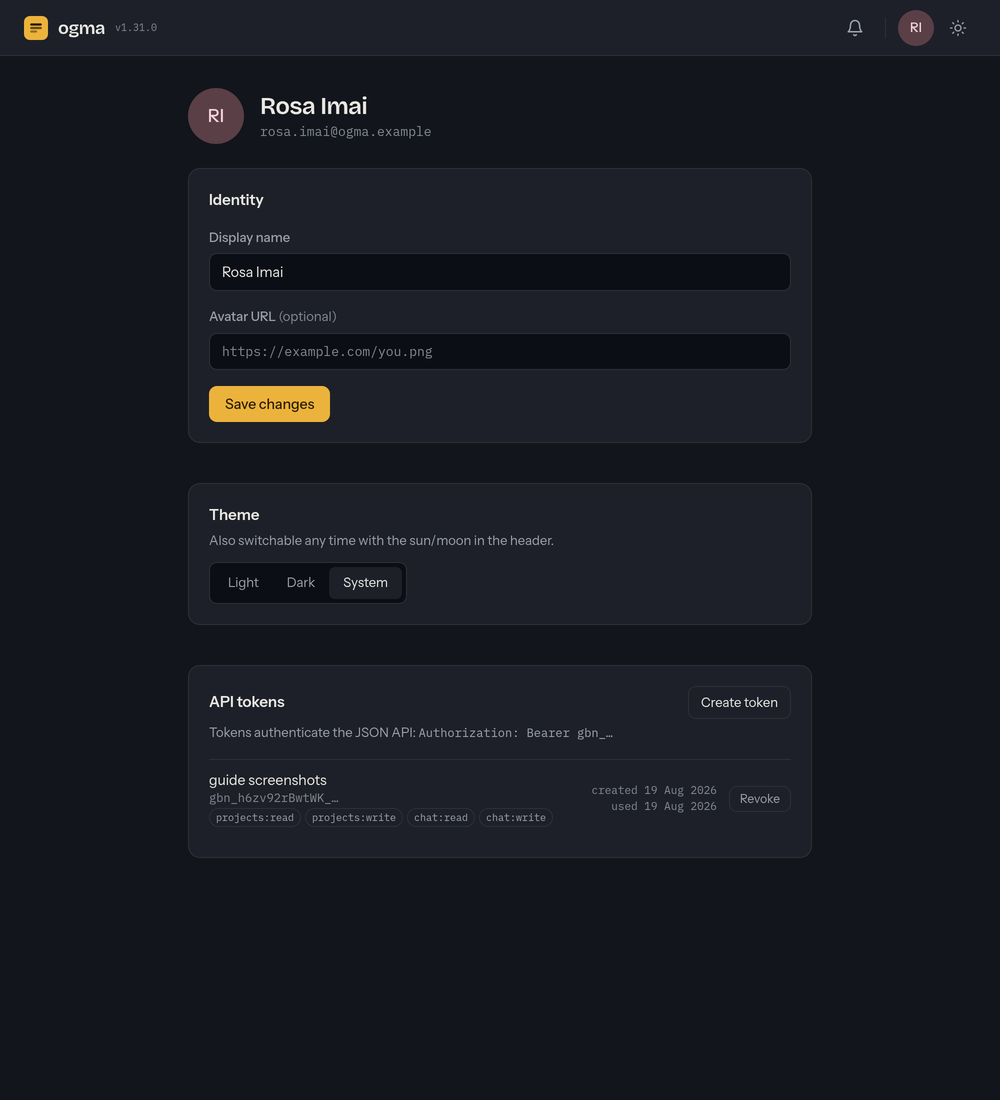
Profile
- Display name — how you appear to others (on messages, mentions, and in the member directory). You can change it any time on the account service.
- Email — your sign-in identity. It's shown for reference and can't be changed there; ask an administrator if it needs updating.
Theme
Chat has a light and a dark theme. Switch instantly with the sun/moon button in the top-right of any page — the preference is saved to your account, so it follows you across the ogma apps. On the account service you can also choose:
- Light or Dark — always use that theme.
- System — follow your device's setting.
Signing out
Open the avatar menu and choose Log out. Because sign-in is shared, this signs you out of the ogma apps that use the same account.